Selenium Training Online

Live Online Training

Master Selenium Automation

Selenium with  Java + TestNg + Framework 

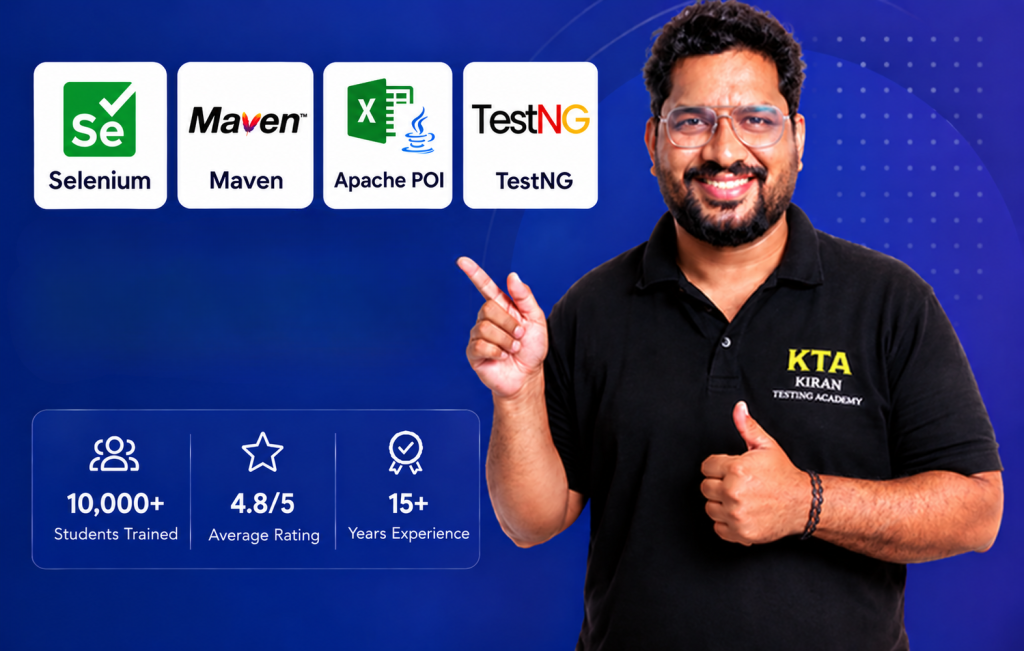
Master enterprise automation with Selenium WebDriver and Java, using Maven for build management and TestNG for suite execution.Architect scalable, maintainable test frameworks using the Page Object Model (POM) and Excel-driven data parameterization with Apache POI.
Why Join This Program?
Live Zoom Classes
Interactive live sessions

Placement Guidance
Job guidance and career sessions

Certificate 
Get a Course completion certificate

Preparation
Reviewing Resume, mock interviews

Lifetime Access
Lifetime accessto recordings 

Notes & Resources
Well-structured notes,& eBooks.

UpComing Live Batch

Start Date

Updated Soon

Time

8 PM IST

Duration

45 Days[Apx]

Type

Weekdays

Note : First Two Session are Free / Orintation Session


₹ 12000   30% OFF

₹ 7999

🔥 Save ₹4,000

🎯 Limited Time Offer
⭐⭐⭐⭐⭐ 4.8/5 Rating
10,000+ Students

Who Should Join?

  • Feshers who want to start a career in QA
  • Manual Testers who want to switch to Automation
  • Developers or Professionals looking to switch to QA
  • who wants to build a strong career in Software TestingF
ChatGPT Image Jul 27, 2026, 05_51_00 PM4

Meet Your Trainer

Kiran Kumar
Software Test Architect
✅ 15+ Years of Industry Experience
✅ Trained 10,000+ Students
✅ YouTube Channel with 25K+ Subscribers
✅ Expert in Manual & Automation Testing
✅ Passionate about Teaching & Mentoring
✅ Premium Instructor on Udemy 

Course Curriculum (Modules)

Module 1 : Introduction To Software Testing (Manual Testing)
  • Introduction to Software Testing
  • SDLC And  STLC
  • Types and Levels of Testing
  • Test Case Design Techniques
  • Defect Management & Bug Lifecycle
  • Agile Testing
  • AI Manual Testing

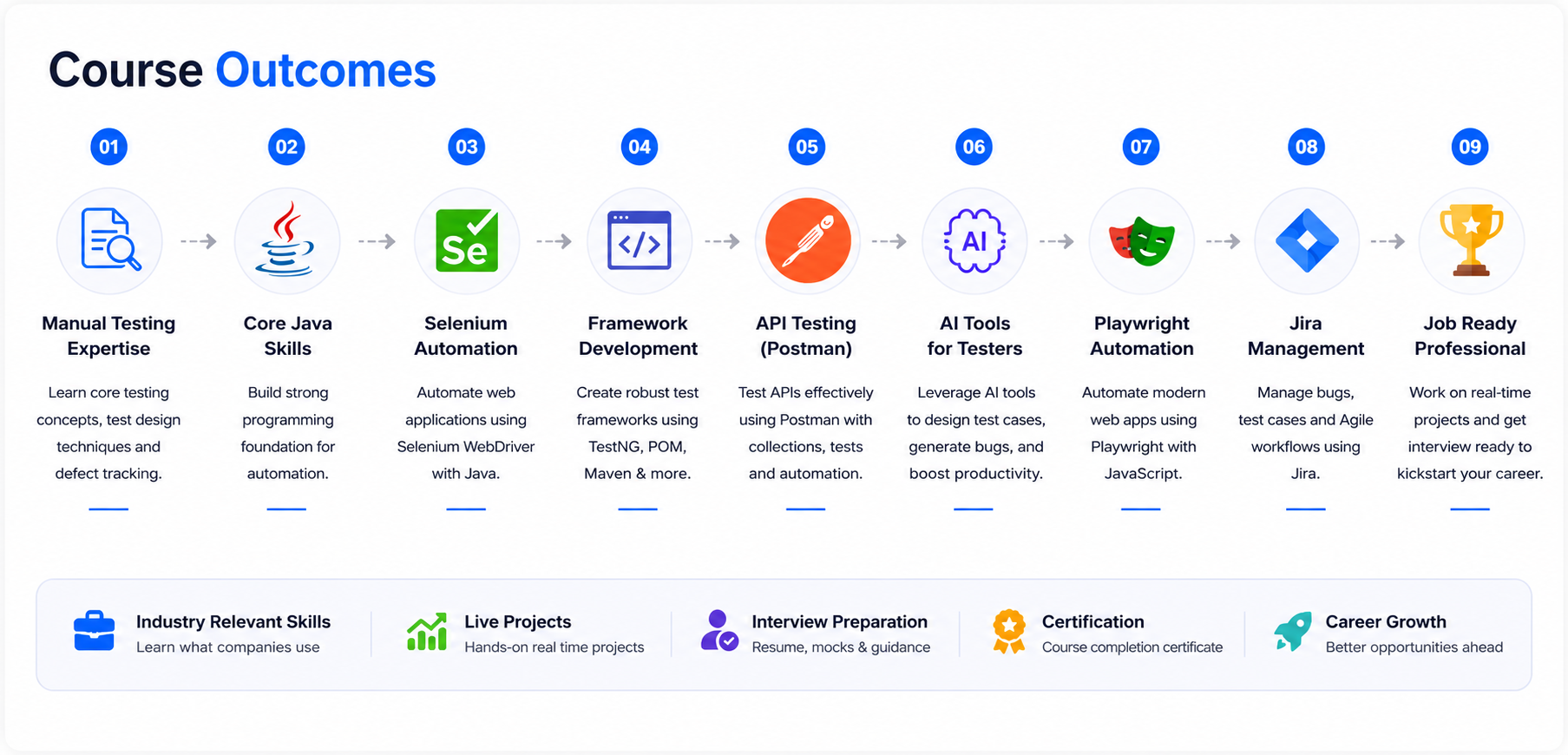
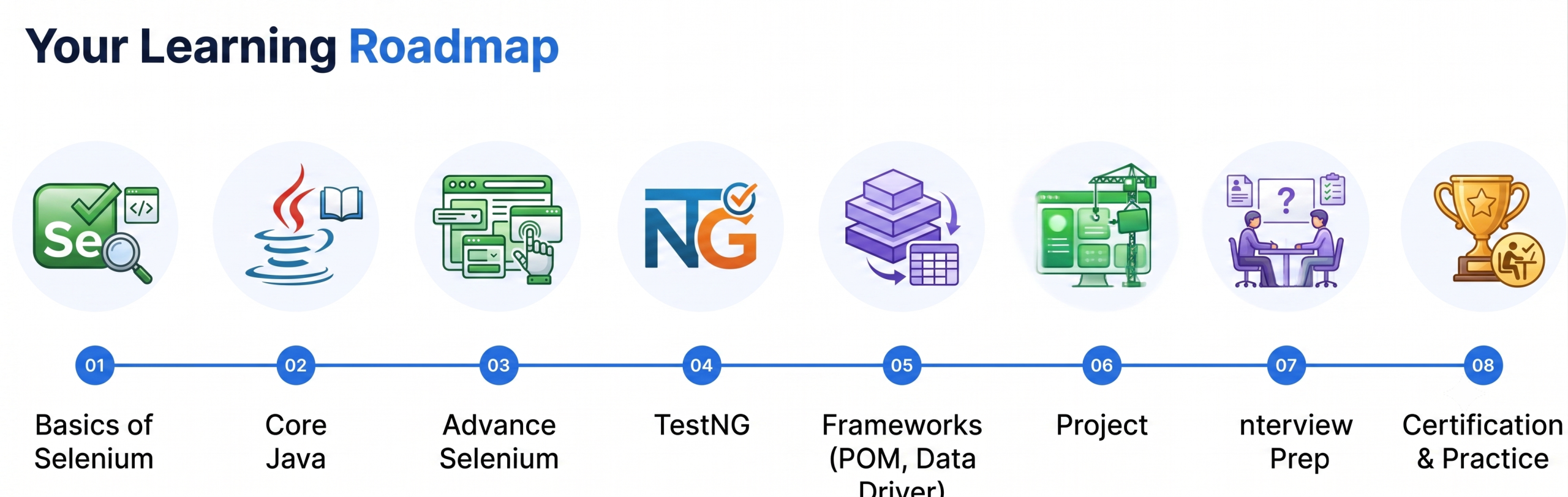
Module 2: Selenium with Java

  1. Introduction to Automation Testing
  1. Core Java for Selenium
  1. Setting up Selenium Environment
  1. Selenium WebDriver Basics
  1. Synchronization in Selenium
  1. Selenium Advanced Concepts
  1. Selenium Framework Development
  1. TestNG Framework
  1. Automating Web Applications
  1. Integration with CI/CD

Postman API Testing for Beginners (Manual Testing Only)

Section 1: Introduction to APIs

  1. Course Introduction

  2. What is an API?

  3. What is API Testing?

  4. Types of APIs

  5. API vs Web Application Testing

  6. Real-world API Examples

  7. Understanding Client-Server Architecture


Section 2: HTTP Basics

  1. What is HTTP?

  2. HTTP Request & Response

  3. URL Structure

  4. HTTP Methods (GET, POST, PUT, PATCH, DELETE)

  5. HTTP Status Codes

  6. Request Headers

  7. Response Headers


Section 3: Installing & Exploring Postman

  1. Install Postman

  2. Create a Free Account

  3. Postman Interface Overview

  4. Creating Your First Request

  5. Understanding Request Builder

  6. Saving Requests


Section 4: Working with GET Requests

  1. Creating GET Requests

  2. Query Parameters

  3. Path Parameters

  4. Viewing Response

  5. Pretty, Raw & Preview Views

  6. Response Time & Size


Section 5: Working with POST Requests

  1. Creating Resources

  2. Request Body

  3. JSON Basics

  4. Raw vs Form Data

  5. Sending JSON Data

  6. Verifying Response


Section 6: PUT, PATCH & DELETE

  1. Updating Data Using PUT

  2. Partial Updates Using PATCH

  3. Deleting Records

  4. Verifying CRUD Operations


Section 7: Understanding JSON

  1. What is JSON?

  2. JSON Objects

  3. JSON Arrays

  4. Nested JSON

  5. Reading API Responses

  6. JSON Formatting Tips


Section 8: Variables & Environments

  1. Why Variables?

  2. Global Variables

  3. Collection Variables

  4. Environment Variables

  5. Switching Environments


Section 10: Authentication Basics

  1. Why Authentication?

  2. Basic Authentication

  3. Bearer Token Authentication

  4. API Key Authentication


Section 11: Manual API Validation

  1. Verifying Status Codes

  2. Validating Response Body

  3. Validating Headers

  4. Checking Response Time

  5. Negative Testing

  6. Error Responses

Course 1: JavaScript Basics for Playwright (Beginners)

Section 1: Introduction

Section 2: JavaScript Basics

Section 3: Control Statements

Section 4: Loops

Section 5: Functions

Section 6: Arrays

Section 7: Objects

Section 8: Strings

Section 10: Practice

  1. Small JavaScript Exercises

  2. Mini Assignments

  3. Quiz


Course 2: Playwright with JavaScript (Beginners)

Section 1: Introduction

Section 2: Playwright Project Structure

Section 3: Writing Your First Test

Section 4: Locators

Section 6: Validations

Section 7: Waiting

Section 8: Working with Elements

Section 10: Screenshots & Videos

Section 11: Organizing Tests

Section 12: Page Object Model (Basic)

Section 13: Data-Driven Testing

Section 14: Reporting

Section 15: End-to-End Project

  1. Login Test

  2. Product Search

  3. Add to Cart

  4. Checkout Flow

  5. Logout

  6. Project Assignment

 Inside This Course